Every change a visitor can see now gets a short entry here, grouped by the release that shipped it. On the UAT site, a small panel in the bottom-left corner counts the changes waiting for release and tells you when the page you are on is one of them. Production does not show either.
A step-by-step checklist from preparing to sell through to settlement. Filter it to your state, tick items off (your progress is kept in your browser) and print it.
Pricing, services, about, support, the commission calculator and the guides index now open with an illustration from the same hand-drawn set as the guides, and the home page and every main page end with a short row of relevant guides, so there's always a sensible next page to read. Links shared on social media now show each page's illustration next to its title.
Guides redesigned: illustrations, at-a-glance figures and a guides menu
Every selling guide now opens with an illustration and a row of key figures, and the long stretches of text are broken up with tips, warnings, step lists and charts that work on a phone. On a wide screen a menu down the side lists all the guides and the sections of the one you're reading, and each guide links to the previous and next one.
The selling checklist also prints as a proper paper checklist: empty boxes to tick with a pen, ticks kept for steps already done, and the state you picked named at the top.
A new guide comparing a percentage commission, a flat-fee agent and selling yourself. A tool works out all three for your price, and a chart shows how the gap grows as the price rises, with the trade-offs of each.
The commission calculator is now linked from the main menu, the footer, the home page, the pricing page and the selling costs guide. Before, it could only be found by search.
A new guide to what agents charge in each state, with a tool that shows the typical commission range for your state and price, a chart of the ranges and a worked example of a tiered commission.
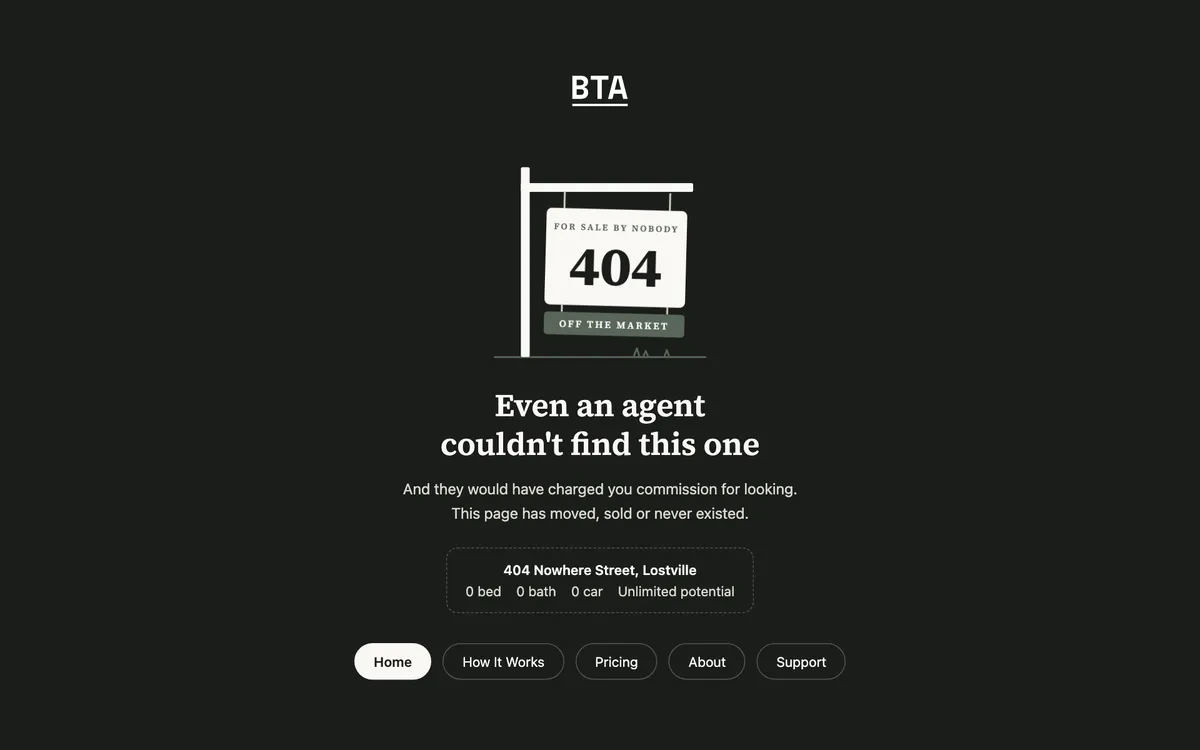
A wrong link now lands on a branded page with a swinging for-sale sign and a listing for 404 Nowhere Street, plus links back into the site. It is still a proper "not found" for search engines.
The add-ons offered in the listing wizard are now the agreed list of seven media upgrades, each with a short hint. Featured Listing, Extended Duration and Premium Photo are gone, and a panel about REA Premiere takes the Featured slot.
Editing a listing no longer multiplies its price by 100, Year Built can be set to "Unsure", trust and company owners are asked for the right ownership documents, and the inspection time picker fits on a phone.
Sellers can renew a listing as often as they like with no payment step. Renewing early keeps the days already left, and the emails and buttons now say so.
Admins can create a QR code for any web address, download it with the Beat The Agent mark, change where it points without reprinting it, and see each scan with its time, device and rough location.
When a seller changes a live listing, admins get an email listing each field that changed, old value and new. Admins can also see each user's properties on their profile and search listings by any part of the address.
The waiting-list confirmation email looks like the rest
The email people get after joining the waiting list went out as plain text. It now has the logo, brand colours and footer every other Beat The Agent email has. A broken-image box that showed in some emails is gone too.
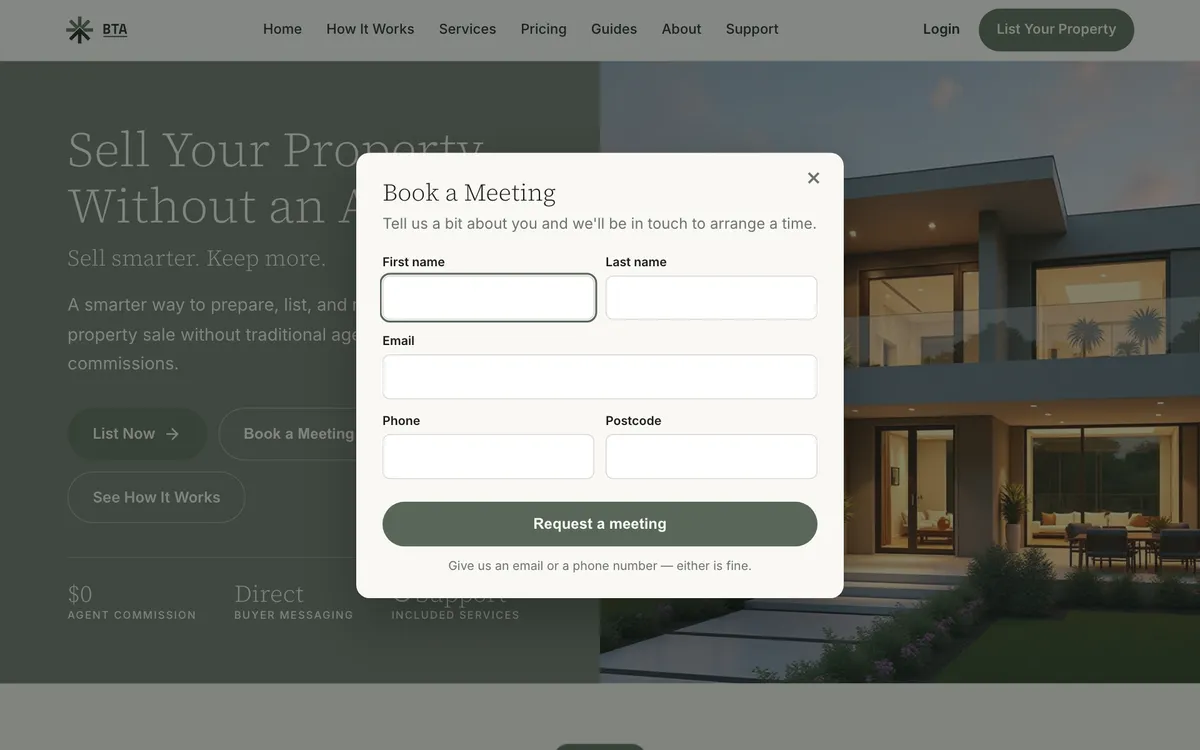
The buttons across the site open a short form: "Join the Waiting List" before launch, "Book a Meeting" once sign-up is open. An email or a phone number is enough. Each lead gets a confirmation email and lands in the admin enquiries list, with whether their email address actually works.
A listing whose price had been retired in the payment system made checkout fail. Checkout now copes, and a daily check flags price mismatches before a seller hits one.
Messages, notifications and announcements look the same
The three list pages in the app now share one layout, one list style and one date format. Messages also shows every conversation now (it used to stop after the first page), the unread count is accurate, and the announcements page no longer breaks in Safari.
The step bar runs down the screen instead of across it, the Back and Next buttons stay pinned to the bottom, and if a step has a problem the page scrolls to the field that needs fixing.
Share a link to any page on Facebook, LinkedIn or in a message and the preview card now shows that page's own title. Previously every page shared the same generic image, so six different guides looked identical in a feed.
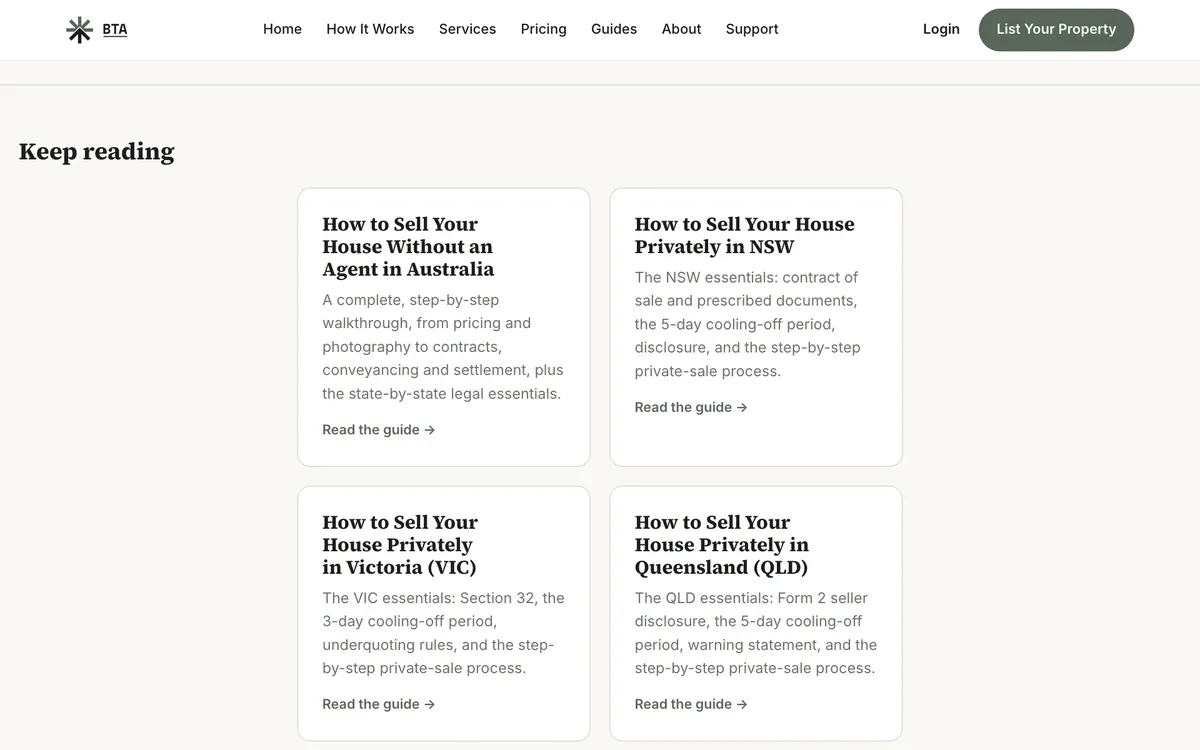
Guides is now a link in the main menu, and every guide ends with a "Keep reading" block that links to the others. Before, most guides could only be reached from the guides index.
The listing fee is now $4,499, and every price on the site is read from the payment system, so the advertised fee and the charged fee can't disagree. The "you save" figures on the pricing page, in the guides and in the calculator now work themselves out from that fee.
Most notification types in the app showed a button that did nothing; all of them now open the thing they are about. Alerts meant for admins no longer appear in a seller's inbox.
The pay button can no longer be double-clicked into two charges, and a checkout whose payment record no longer matches the seller is recovered instead of quietly dropped.
Sellers can add professional media to a listing when they pay: virtual staging, dawn-to-dusk and drone photography, a showcase video and a DSLR photo shoot. Prices come straight from the payment system, so what is shown is what is charged.
Six practical guides now cover selling privately in Australia: how to sell without an agent, what it really costs, the state-by-state steps for NSW, Victoria and Queensland, and conveyancing. Every marketing page and guide is now delivered as plain, fast-loading HTML, so search engines and AI assistants can read the full text.
Enter a sale price and your state to see what a typical agent would charge, what Beat The Agent costs and how much you keep. The table of worked examples is there even before the calculator loads.